WordPress MCP Server: AI Development with WordPress Boost
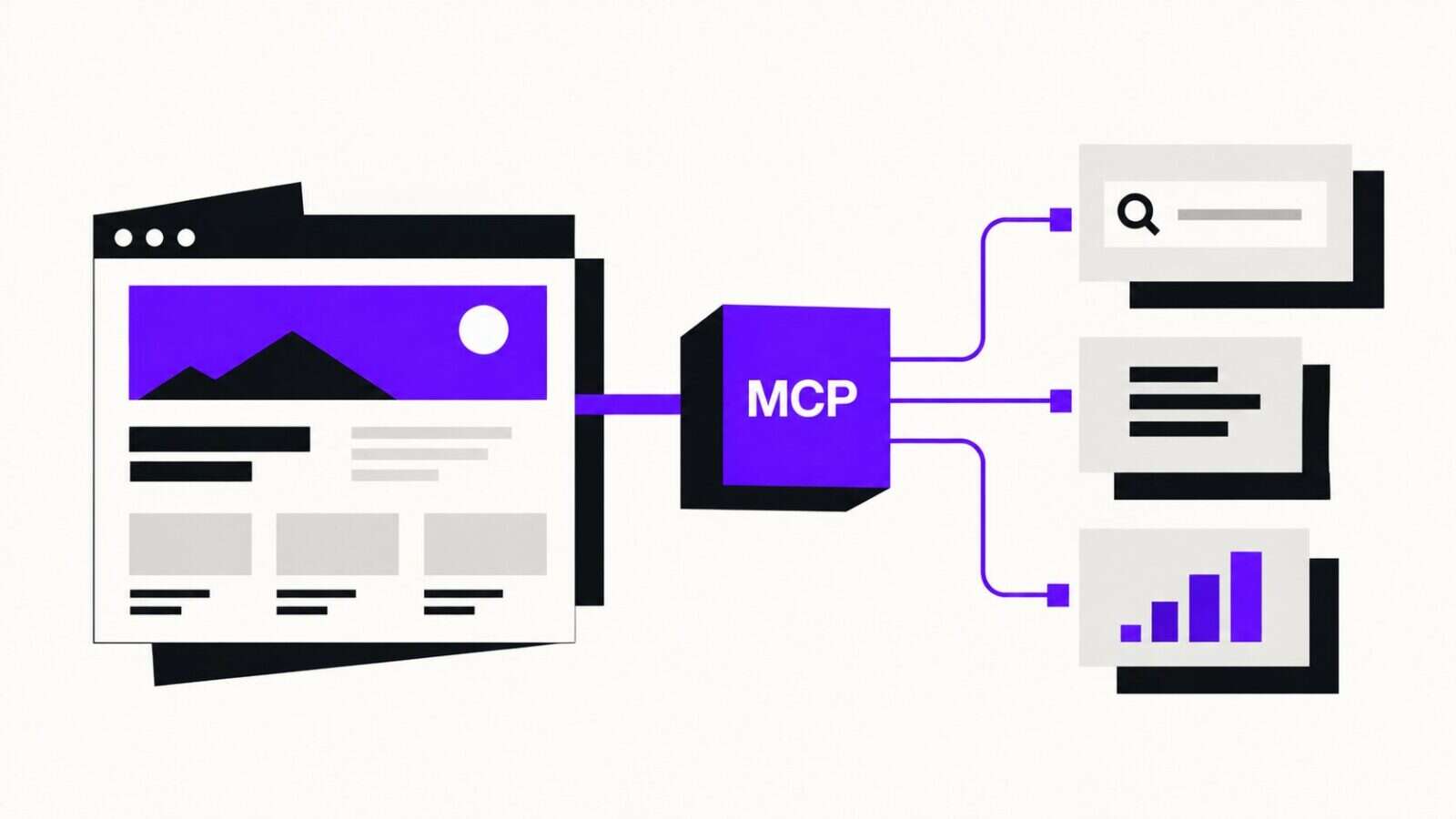
You’re working on a WordPress project. You’ve got Claude Code or Cursor open, and you need to build a custom REST endpoint that respects your site’s existing post types, taxonomies, and ACF field groups. The AI assistant is willing, even eager, but it’s guessing. It doesn’t know your functions.php registers a custom post type called case_study with specific capabilities. It doesn’t know your theme uses pre_get_posts to modify the main query in four different places. It doesn’t know your database has a custom table for analytics events.
So it writes generic code. You fix it. It writes more generic code. You fix that too. And you spend half your day acting as a translator between the AI and your actual codebase.
We’ve seen this pattern across 200+ WordPress projects over 15 years of engineering. The AI isn’t the bottleneck. The missing context is.
That’s the problem a WordPress MCP server solves.
What MCP Actually Is (and Why WordPress Needed It)
MCP (Model Context Protocol) is an open standard that Anthropic released in late 2024. It defines how AI applications connect to external data sources and tools. The simplest analogy: it’s a USB-C port for AI. A universal interface that any agent can plug into to get structured access to a system’s internals. Anthropic built it, then donated it to the Linux Foundation in late 2025. OpenAI adopted it. It became the standard.
Before MCP, connecting an AI assistant to WordPress meant one of two things. Paste code snippets into chat windows and hope the model had enough context. Or use the REST API, which gives the AI access to content but tells it nothing about your codebase’s structure. Not your hooks, not your database schema, not your security configuration. Nothing structural.
MCP changes this fundamentally. A WordPress MCP server exposes your installation’s internals (registered hooks, post types, database schema, active plugins, rewrite rules, cron jobs) through a structured protocol that AI agents can query in real time. The AI doesn’t guess. It looks.
The WordPress MCP Landscape in 2026
The ecosystem moved fast. There are now several approaches to connecting WordPress with AI agents through MCP, each solving a different problem:
The official WordPress MCP Adapter launched in early 2026, building on the Abilities API introduced in WordPress 6.9. It lets plugin and theme developers register “abilities” (typed, permission-checked functions) that AI agents can discover and execute. The adapter translates these abilities into MCP primitives. It’s well-designed for extending WordPress with AI-callable functionality, but it’s focused on site-level operations: creating content, managing settings, executing plugin logic.
WordPress.com’s built-in MCP server provides dashboard access for hosted sites. You enable MCP from your account settings, connect an AI client via OAuth 2.1, and can manage posts, pages, and site configuration through natural language. It’s convenient for WordPress.com users but limited to the hosted ecosystem.
InstaWP MCP takes a different angle entirely: fleet management for agencies. One server connects to unlimited client sites, enabling bulk operations across a portfolio. Useful if you’re managing fifty sites, less so if you’re developing one.
Community-built servers like mcp-wp handle REST API bridging, giving AI agents CRUD access to posts, pages, users, and taxonomies through the standard REST interface.
What none of these address well is the development workflow. The question isn’t “how do I manage WordPress content with AI?” It’s “how do I write better WordPress code with AI?”
What a WordPress MCP Server Does for Development
Content management MCP servers let you say “create a draft post titled X with category Y.” Fine. But that’s not what you need at 2 AM when you’re debugging why WooCommerce orders aren’t triggering your custom webhook.
A development-focused WordPress MCP server gives your AI assistant what a senior WordPress developer would want when parachuting into an unfamiliar codebase. Specifically:
What hooks exist and who’s hooked into them. Not just the documented WordPress hooks, but every add_action and add_filter call in your specific installation, including priority, callback location, and accepted arguments. When the AI knows that your theme’s functions.php hooks into woocommerce_checkout_order_processed at priority 20, it can write code that hooks in at 25 and accesses the right data.
What the database actually looks like. Not the default WordPress schema, but yours, with custom tables, modified indexes, and that wp_analytics_events table your predecessor created three years ago. The AI can write queries against tables it can actually see.
What’s registered and active. Post types, taxonomies, shortcodes, REST endpoints, rewrite rules, cron jobs. The full runtime state of the WordPress application, not the theoretical state you’d find in documentation.
What’s vulnerable. Security scanning that flags SQL injection patterns, XSS vectors, unsafe file operations, and misconfigured permissions in the actual codebase. Not theoretical vulnerabilities, real ones in your specific plugins and themes.
This is the difference between an AI that’s read the WordPress Codex and an AI that’s read your WordPress installation. And in our experience building custom WordPress solutions across Europe, the site-specific details are where 80% of the bugs live.
WordPress Boost: Deep Introspection for AI-Assisted Development
We built WordPress Boost to solve this exact problem. It’s an MCP server that loads your WordPress installation in CLI mode and exposes over 30 specialized tools that give AI agents deep, read-safe access to your codebase.
The architecture is deliberately simple. WordPress Boost boots WordPress via wp-load.php, giving it full access to all WordPress functions, hooks, and registered data. It communicates with AI agents through JSON-RPC over stdio using the Model Context Protocol. No web server required. No REST API endpoints to configure. It runs locally, during development, which is where you actually need the help.
What It Exposes
The tools mirror how a developer actually explores a WordPress codebase. Here’s the breakdown:
Site introspection: WordPress version, active theme and plugins, debug configuration, PHP version, environment details. The starting point for any codebase assessment.
Hook analysis: Every registered action and filter, with full callback inspection. Query a specific hook to see all callbacks, their priorities, the files they’re defined in, what arguments they accept. When you ask the AI to modify checkout behavior, it can see exactly what’s already happening at each hook point before writing a single line.
Structure mapping: All registered post types with their labels, capabilities, and supports. Taxonomies with their object associations. Shortcodes, REST API endpoints, rewrite rules, scheduled cron events. A complete map of the application’s architecture.
Database access: Schema inspection for every table, plus read-only SELECT queries with parameterized inputs and result limits. Your AI can examine the data structure without any risk of modification.
ACF integration: If you’re using Advanced Custom Fields (and on the projects we work with, the majority are), WordPress Boost exposes all field groups, individual field configurations, and can export the full ACF schema. No more manually describing your field structure to the AI. It reads it directly.
WooCommerce and Gutenberg: Product types, payment gateways, shipping methods, tax configurations, the complete WooCommerce schema. Registered block types, block patterns, categories. If you’re building for a store or extending the block editor, the AI has full context.
Security Auditing
This is where it gets interesting. The security tools perform two types of analysis:
Code scanning finds vulnerability patterns in your PHP files: SQL injection risks, cross-site scripting vectors, unsafe file operations, improper nonce usage, and other OWASP-relevant patterns. It won’t replace a dedicated SAST tool for enterprise compliance, but it catches the patterns that AI-generated code (and human-written code) commonly introduce. The same patterns we’ve flagged in security audits across client projects for years.
Site-level auditing evaluates your WordPress configuration across several dimensions: debug settings in production, file permissions, update status, security headers, and common misconfigurations. Each dimension gets a score, and the overall result is an A-through-F grade with specific recommendations.
But the real value? Your AI assistant can check its own work. It generates code, runs the security scanner, sees that it introduced an unescaped output, and fixes it, all in the same conversation. That feedback loop is significantly more reliable than generating code blind and hoping for the best.
Setting Up WordPress Boost
Two minutes. That’s genuinely all it takes. You need PHP 7.4+, WordPress 5.0+, and Composer.
Install as a dev dependency:
composer require thanoseleftherakos/wordpress-boost --devThen run the initialization:
php vendor/bin/wp-boost --initThis creates the MCP configuration files and installs AI guidelines into your project’s .ai/ directory. These are pre-written markdown files that teach AI assistants WordPress best practices for themes, plugins, REST API design, Gutenberg development, ACF patterns, and WooCommerce conventions. Think of them as onboarding documents, but for your AI agent instead of a new hire.
Connecting to Your AI Agent
For Claude Code, add the server with a single command:
claude mcp add wordpress-boost -- php vendor/bin/wp-boostFor Cursor, VS Code, and Windsurf, the .mcp.json configuration file created during --init is detected automatically. Open your WordPress project, and the MCP server is available.
Once connected, your AI agent has immediate access to all 30+ tools. Ask it to inspect your hooks, scan your code for vulnerabilities, or map your database schema. It calls the appropriate WordPress Boost tool and gets structured, accurate results.
Test Data Generation
WordPress Boost includes an optional test data generator powered by the Faker library. Install it alongside:
composer require fakerphp/faker --devThen your AI agent can generate realistic test content (posts, pages, users, taxonomy terms, WooCommerce products, ACF field values) populated with plausible data instead of “Test Post 1, Test Post 2.” Much more useful for testing pagination, search, template logic, and edge cases when the data actually looks real.
Practical Workflows
Tool lists are abstract. Let’s make this concrete.
Building a Custom REST Endpoint
Without MCP, you describe your requirements to the AI, paste code snippets, explain your custom post types, iterate through several rounds of “actually, the field is called X, not Y.”
With WordPress Boost connected, you say: “Build a REST endpoint that returns case studies filtered by industry taxonomy, including their ACF fields.” The AI queries WordPress Boost. Discovers that case_study is registered with specific capabilities, that industry is a hierarchical taxonomy associated with it, that the ACF field group “Case Study Details” has fields for client_name, project_url, results_summary, and testimonial. It writes the endpoint using the actual field names, the actual taxonomy slug, the actual capability checks.
First-pass accuracy jumps from maybe 40% to north of 90%. That’s not a minor improvement. It’s the difference between the AI being a time-saver and a time-waster.
Debugging a Hook Conflict
Client reports checkout emails aren’t sending. You suspect a plugin conflict. Instead of grepping through twenty plugin directories, you ask the AI to inspect all callbacks on woocommerce_order_status_completed. WordPress Boost returns every hooked function: priority, file, argument count. The AI spots that a caching plugin hooked in at priority 1 is short-circuiting the chain. Problem identified in under a minute.
We’ve debugged this exact scenario (and variations of it) more times than we’d like to admit. The hook inspection alone justifies the setup.
Security Review Before Deployment
Before pushing a custom plugin to production, you ask the AI to run a security scan. The code scanner analyzes every PHP file for injection patterns, unsafe output, missing nonce verification, direct database queries without preparation. It reports findings with file paths and line numbers, and can suggest fixes immediately. The site-level audit then checks that debug mode is off, file permissions are correct, security headers are in place.
Onboarding onto an Unfamiliar Codebase
You’ve inherited a WordPress project. Undocumented custom post types, mystery shortcodes, database tables that don’t match any known plugin. Sound familiar?
Connect WordPress Boost and ask the AI for a full site assessment. Within seconds: 4 custom post types, 7 custom taxonomies, 3 custom database tables, 47 registered shortcodes, 12 custom REST endpoints, security grade C+ with specific issues flagged.
That assessment would take a developer hours to compile manually. With MCP, seconds. We’ve inherited enough mystery codebases over the years to know the value of fast, structured reconnaissance.
How WordPress Boost Compares to the Official MCP Adapter
Complementary, not competing. This is an important distinction.
The official MCP Adapter (built on the Abilities API in WordPress 6.9) is designed for runtime integration. Plugin developers register abilities that AI agents can execute: publish a post, update a setting, run a plugin function. Excellent for building AI-powered features into WordPress products and for content management workflows.
WordPress Boost is designed for development time. Read-heavy introspection that gives AI agents deep context about your codebase so they can write better code. It doesn’t publish posts or manage settings. It scans hooks, analyzes security, maps database schemas, provides structural context.
Different tools for different moments. Plugin developer building AI-callable features? Use the MCP Adapter. WordPress developer using AI to write code faster? WordPress Boost. Doing both? Run both. They operate as separate MCP connections and don’t conflict.
Getting Started
The gap between AI assistants that generate plausible WordPress code and AI assistants that generate correct WordPress code comes down to one thing: context. Without access to your specific installation’s hooks, schemas, and structure, even the best model is making educated guesses.
A WordPress MCP server closes that gap. WordPress Boost is one approach, focused on development workflows, security auditing, and deep codebase introspection. It’s not the only MCP server you’ll ever need, but for the problem of “my AI doesn’t understand my WordPress codebase,” it’s the most direct solution we’ve found.
Set it up. Connect your AI agent. Ask it something about your codebase. The difference between guessing and knowing is immediately obvious.
The repository is open source: github.com/thanoseleftherakos/wordpress-boost
WordPress Boost is a development tool. It’s designed for local and staging environments where you’re actively writing code. It doesn’t replace security professionals, code review processes, or proper testing. It makes your AI assistant significantly more useful, but the final judgment on code quality is still yours.
Frequently Asked Questions
What is a WordPress MCP server?
A WordPress MCP server implements the Model Context Protocol to expose WordPress functionality to AI agents like Claude, Cursor, and VS Code. It gives AI tools structured access to your WordPress installation’s data, structure, and capabilities through a standardized interface.
Does WordPress Boost work with Cursor and VS Code?
Yes. WordPress Boost works with any MCP-compatible AI agent. Claude Code, Cursor, VS Code with GitHub Copilot, and Windsurf all support MCP servers. The .mcp.json configuration file is auto-detected by most editors after running --init.
Is it safe to give an AI access to my WordPress database?
WordPress Boost is designed with security as a priority. Database access is read-only (SELECT queries only) with parameterized inputs and result limits. The PHP execution tool only activates when WP_DEBUG is enabled and blocks dangerous functions like exec, shell_exec, eval, and file write operations. That said, it’s intended for development and staging environments. We wouldn’t recommend running any MCP server on a production site.
How does this differ from using the WordPress REST API with an AI?
The REST API gives AI access to content: posts, pages, users, media. A development-focused MCP server gives AI access to structure: hooks, database schemas, registered post types, security configurations, ACF field groups, and WooCommerce settings. The REST API answers “what content exists?” The MCP server answers “how is this site built?”
Can I use WordPress Boost alongside the official WordPress MCP Adapter?
Yes. They serve different purposes and run as separate MCP connections. WordPress Boost handles development introspection, while the MCP Adapter handles runtime ability execution. Most AI clients support multiple simultaneous MCP server connections.